


No one knows the pain of tax season better than a solopreneur.
Big companies have accounting departments. Employees usually have straightforward personal returns.
But for most solopreneurs, tax time is brutal. There are expenses to categorize, transactions to reconcile, and even if you have someone preparing your return, you still have to hand them everything and help them make sense of it.
For Substack creators specifically, it’s even worse. A freelancer might have a handful of invoices to account for, but even a small Substack publication can have hundreds or thousands of subscription transactions, and each one needs to be recorded individually, with the gross payment in and the Stripe and Substack fees out.
I didn’t fully appreciate how messy this could get until I sat down to do my taxes after my first year on Substack. I couldn't find a Stripe report that properly summarized all the transaction fees, and when I contacted support, they said they'd need to build a custom report. I tried importing everything into a couple of the big-name accounting platforms I was used to, but none of them could ingest a full year's worth of Stripe transactions cleanly.
It took a few days of false starts before I landed on a setup that actually worked. This year, when I opened everything up for tax season, it was already 95% done, even though I hadn't kept up with bookkeeping as consistently as I'd planned.
Today, I'll walk you through the exact stack I use so you don't have to figure it out the hard way.
My Substack Financial Tech Stack Overview
One of the reasons my financial tech stack works so well is that it’s surprisingly simple. Just three tools for three tasks:
Cost: Free to set up (pays per transaction).
What It Is: The payment processor Substack uses to collect subscription payments. You already have one if you run a paid Substack. Can also be used to invoice clients for other work.
Cost: Free
What It Is: A business bank account built for online businesses. Keeps all your business income and expenses in one place, stores receipts, and has a virtual card for online purchases.
Accounting and Bookkeeping: Puzzle
Cost: Free up to $20,000 in transactions.
What It Is: Accounting software with a native Stripe integration. Connects to Stripe and Mercury to automatically import transactions, reconcile fees, and categorize expenses.
Now let’s go through the system in more detail.
Getting Paid: Stripe
If you run a paid Substack, you already have a Stripe account. Substack uses Stripe to process all subscription payments, so there’s no getting around it.
What most creators don’t realize is that the same account can do a lot more than collect newsletter revenue. For example, I also use mine to invoice clients for other work, which keeps more of my business income running through one place.
One thing worth thinking about before you set up your Stripe account: incorporation. If you're serious about your publication and the broader business around it, it's worth considering whether to incorporate first, so your Stripe account is opened in your business name rather than your personal name. Doing it the other way around is messier to untangle later.

When I incorporated, I used Stripe Atlas, which is Stripe's own company formation service. It handled the incorporation process smoothly and had me ready to accept payments through my new business entity almost instantly. Not everyone should incorporate right away, but if you do decide it’s right for you, Stripe Atlas is a great option.
Business Banking: Mercury
If you take one thing from this article, make it this: keep your business finances completely separate from your personal ones. Even if you’re running your publication as a sole proprietor under your own name, mixing the two makes bookkeeping a nightmare and tax season even worse. A dedicated business account means every transaction in that account is a business transaction, full stop.
I use Mercury for business banking. Mercury is a free business bank account built for online businesses. If you incorporate through Stripe Atlas, opening a Mercury account is extremely easy since all your business information is already prefilled, and you can open an account even before the IRS assigns your EIN.
The Mercury app and website are clean and easy to use, everything is self-serve, and I’ve genuinely never had to call support once. Digital security is also a step above most traditional banks. Mercury supports industry-standard options for two-factor authentication, such as passkeys, authenticator apps, and security keys. (It’s shocking how many big banks only support SMS-based two-factor authentication, despite it being vulnerable to SIM swapping).
Because Mercury is built for online businesses, it has a virtual credit card number you can use to pay for things online that pulls directly from your account, so you don’t need a separate business credit card just to cover software subscriptions and other online expenses.
Mercury also makes receipt management easy. You can attach receipts directly to transactions in the app, so you always have them if you need them. For in-person expenses like a lunch with a client, you can snap a photo and attach it on the spot. For online purchases, you can set up automatic receipt forwarding so that any receipt received by email is automatically matched to the right transaction. 🤯
Accounting and Bookkeeping: Puzzle
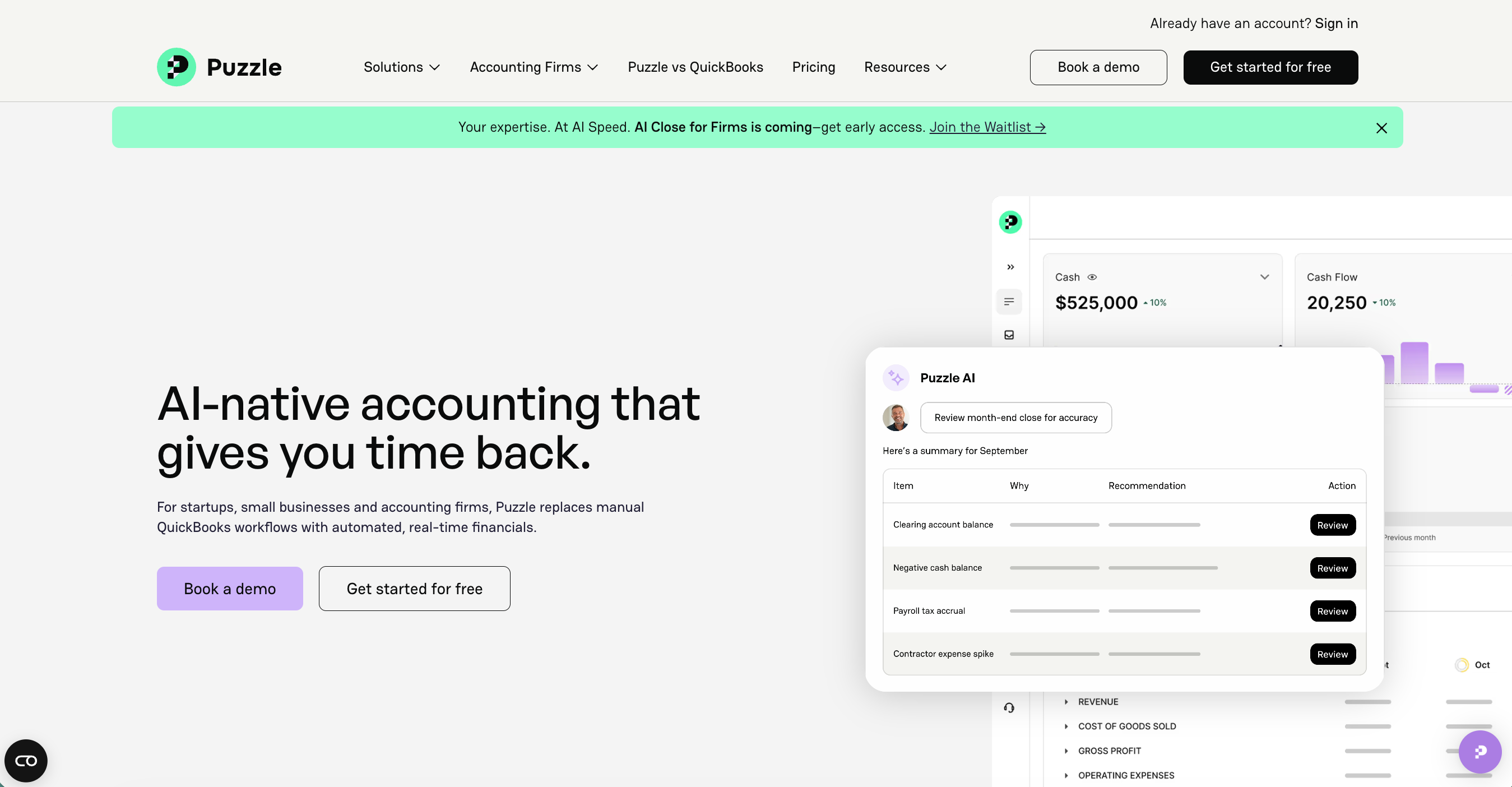
After striking out with a couple of the big-name accounting platforms that couldn’t handle my Stripe data, I found Puzzle. It’s the only accounting software I’ve come across with native Stripe integration, which is likely why it’s the only one that could import all my historical transaction data and properly reconcile all the fees.
It’s also genuinely the easiest accounting platform I’ve used, and I’ve used quite a few.
When you connect your Stripe and bank accounts, Puzzle pulls in everything: gross payments, Stripe fees, Substack fees, refunds, and payouts. Reconciliation means it matches your Stripe payouts to the deposits in your bank account automatically, so you’re not manually cross-referencing two sets of records. You can also connect multiple Stripe accounts, banks, or credit cards if you need to. As long as your business accounts are separate from your personal ones, Puzzle can see the full picture and sort out the mess for you.
For expenses, Puzzle uses AI to suggest categories for your transactions, and it’s quite good at it. The first time a transaction comes through, you can review it, update the category if needed, and set a rule so that every future transaction from that vendor is automatically categorized the same way. After a few weeks, most of your transactions are handled perfectly without your involvement. And if you have receipt forwarding set up in Mercury, everything is already backed up and organized in case of an audit or any other issue.
Puzzle is free for your first $20,000K in transactions, which comfortably covers most early-stage Substack publications. When you’re ready to upgrade, if you went the incorporation route and signed up through Stripe Atlas, you can also get 50% off your first year.
Once I found my missing Puzzle piece (sorry, not sorry), the whole stack took me an afternoon to set up and has run mostly on its own since. This year, when I opened everything up for tax season, I just needed to do a quick review before exporting my income statement for my accountant.
If you've been putting off getting your finances organized, I get it. It feels like a lot. But the hardest part is just picking a system and committing to running everything through it. Once you do, April becomes way less stressful.
To endless possibilities and a smoother tax season for all,
Casandra
Need More Help?
Really Good Business Ideas Premium: A membership designed to make starting and growing a profitable business easier. DM support, office hours, and a library of templates, resources, and guides.
Substack Creator OS: A complete operating system for planning, writing, growing, and monetizing your newsletter, all in one connected Notion workspace. (Right now, it’s free for Premium subscribers).
Work With Me Directly: Book a 1-on-1 consultation or coaching call to get personalized help when you need it. Think of it as a focused working session to get unstuck, gain clarity, or move something forward.

Oh, I use Bench for bookkeeping, it’s a bit expensive but I don’t have to figure it out myself when tax season comes